- Features
Essential LMS Features
Understanding the key LMS features is crucial for optimising your training programmes.
- Set & Forget
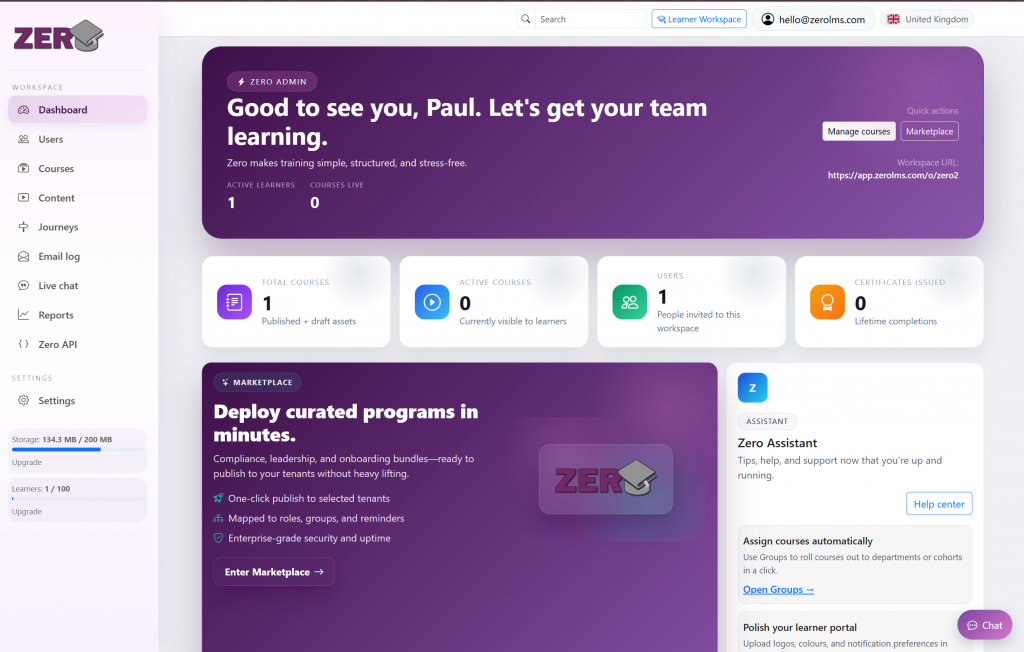
Seamless Connectivity via Zero API
Rich Content
Upload SCORM, PDFs, quizzes and videos in seconds.
Team Management
Add users, assign training, manage learning journey's and track compliance.
ZeroBuilder
Build courseware inside Zero with no external software.
Learning Journey's
Organise your course content into journey's and assign them to individuals, or groups.
Scalable Storage
Start with our free Zero account and scale as you need to without the big bill and no licensing.
SSO & Security
Simplify the login experience for your team using Okta, Google SSO, or Microsoft Azure.
Certificates
Learners can download and save proof of completion certificates.
User Tags
Tag users with self-created tags, find people easily!
Zero API
Extract data and talk to other systems using Zero API
- Features
Automate Your Training Workflow
Scale your organization without the administrative burden. Zero LMS automates the heavy lifting of course delivery and user tracking, allowing you to focus on building a more skilled, compliant, and efficient workforce.
Private Cloud
Secure, enterprise-grade hosting that keeps your data private. Access your training portal anywhere in the world without installing a single file.
Sync Database
Real-time data synchronization ensures that learner progress, quiz scores, and compliance records are always up to date across all devices.
Knowledge Base
Centralize your PDFs, videos, and SCORM content into a structured library. Empower your team to find the information they need, exactly when they need it.
Mobile Friendly
Give your team the freedom to learn on the move. Our fully responsive design works flawlessly on smartphones, tablets, and desktops.
Make Zero, yours.
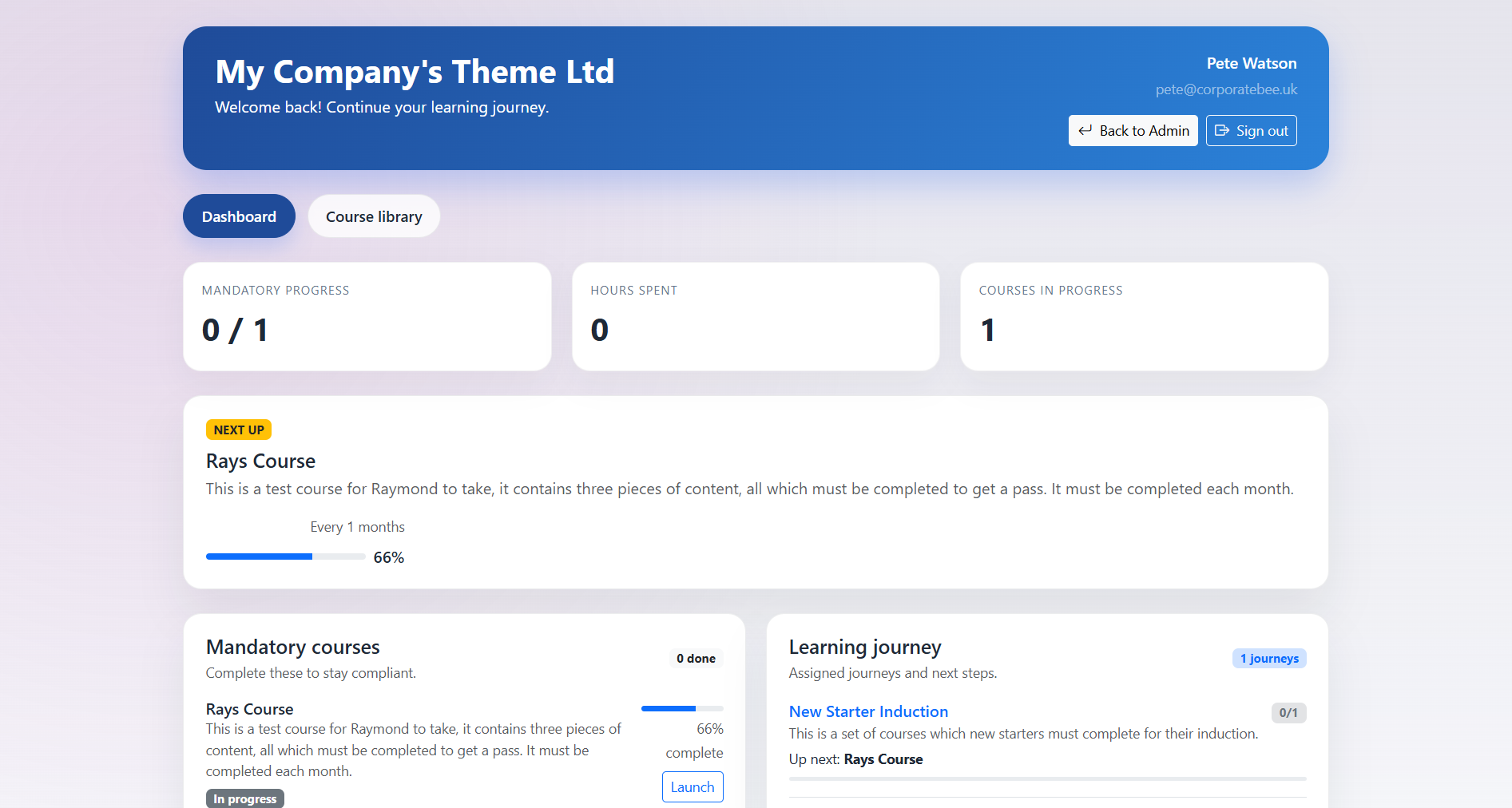
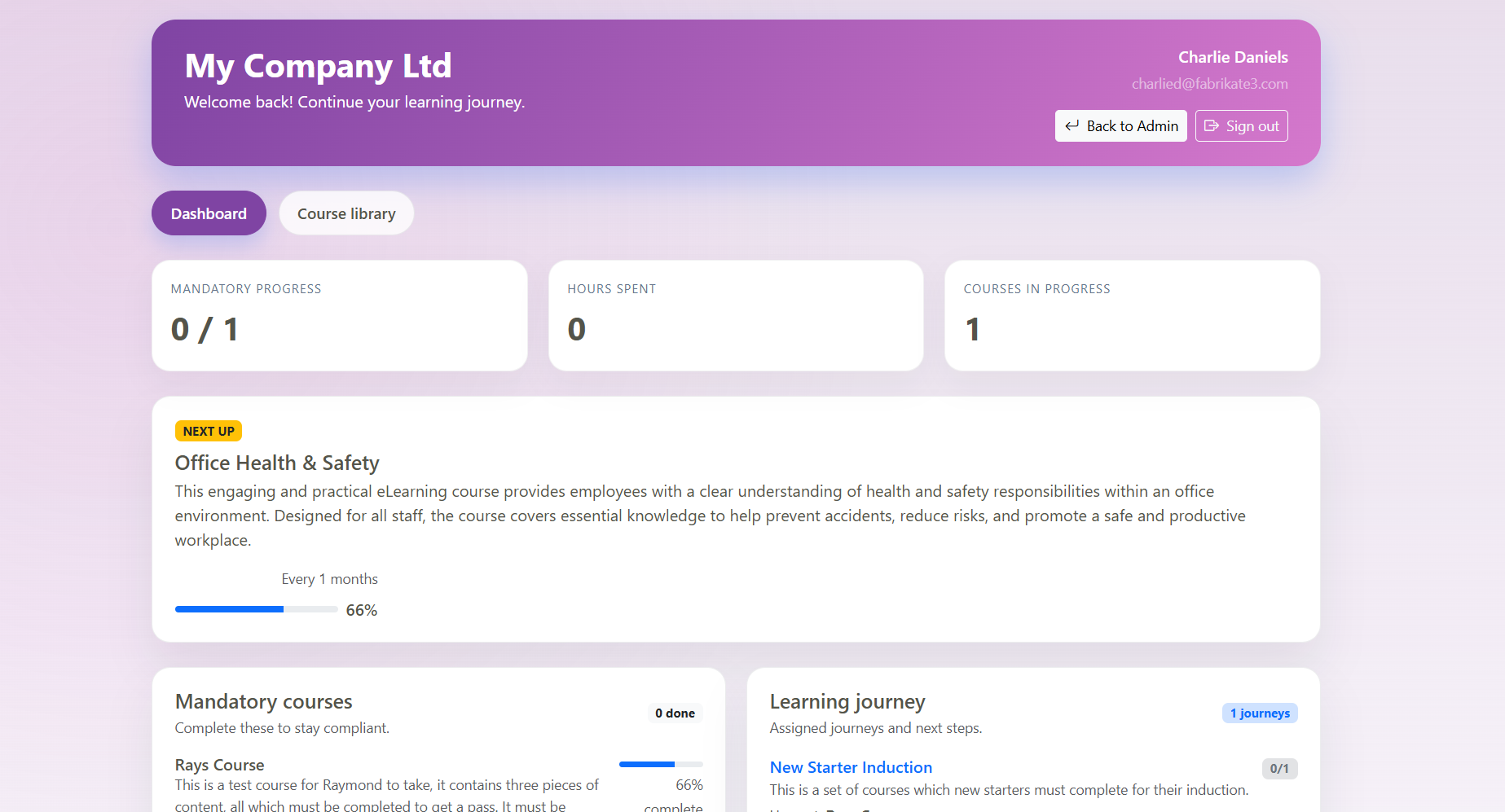
Zero LMS gives administrators control over the appearance of their learner workspace, helping organisations create a training experience that feels clear, familiar and professional. Instead of sending learners into a generic-looking system, admins can adjust key branding and display settings so the learner area better reflects their organisation, team or training programme.
Within Zero, admins can customise the learner workspace by adding their own logo, adjusting the visible platform name, and presenting training in a way that feels consistent with the rest of their organisation. This is especially useful for businesses that want learners to recognise the platform as part of their internal training environment rather than a separate third-party tool.
A branded learner workspace helps build trust and reduces confusion for users. When learners log in and see familiar branding, clear navigation and assigned training in one place, the experience feels more joined up. This can be particularly useful for onboarding, compliance training, internal development programmes and supply chain training, where learners need a simple and consistent place to access their courses.
Administrators can also organise the learner experience around the courses and content that matter most. Learners can access assigned courses, view their progress and continue training from their dashboard, while admins keep control of what is visible and available. This keeps the learner workspace focused, reducing clutter and making it easier for users to understand what they need to complete.
For growing organisations, workspace customisation becomes even more important. A clear learner area can help support multiple teams, departments or external users without making the system feel complicated. Whether you are training employees, contractors, partners or supply chain users, Zero LMS helps you present training in a clean, organised and professional way.
With Zero Pro, organisations can unlock additional branding options, including custom logo support, giving admins more control over how the learner workspace appears to their users. This allows businesses to start simple with the free LMS plan, then upgrade when they need a more tailored and professional learner experience.
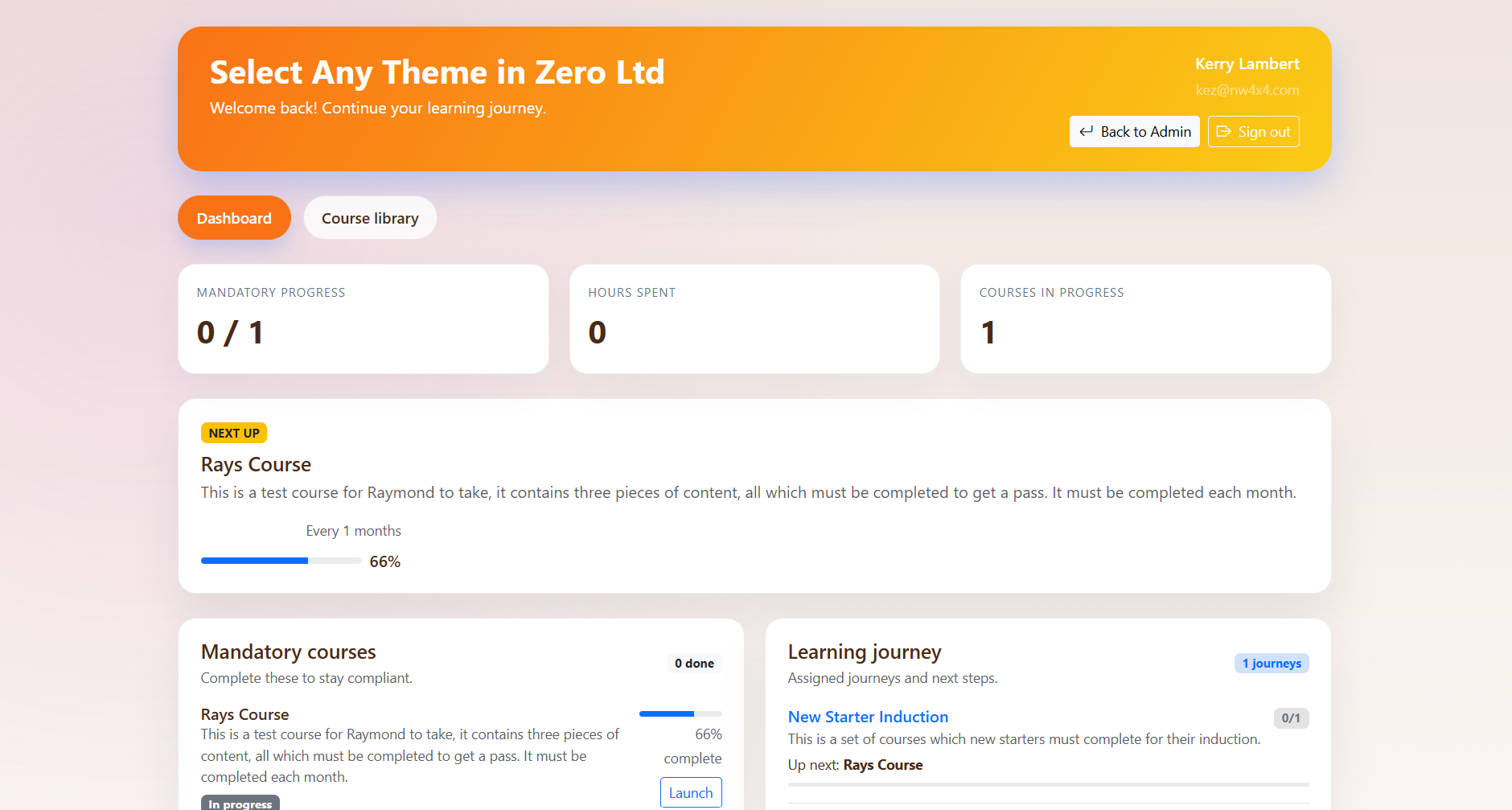

Zero LMS includes the core features organisations need to manage online training, from course creation and learner management to SCORM uploads, reporting and progress tracking. These tools support the wider move towards structured digital learning, where businesses use online platforms to deliver consistent training across teams and locations. For broader insight into digital learning and workplace learning practice, organisations such as The Learning and Performance Institute, The Learning Network and The Learning Guild provide useful information, events and professional learning resources.